Create Best-Selling Books with AI
The complete, step-by-step framework for creating commercial books using AI tools strategically paired with human refinement, premium positioning, and professional publishing systems.
The 17-Step Methodology
This is the exact process for creating best-selling books using AI. It's organized from market selection through full ecosystem building, with specific tools recommended at each stage.
Phase 1: Market Research & Selection (Steps 1-3)
Pick a Market That Already Buys
Don't start with "what do I want to write?" Start with a market where people already spend money. Focus on: money/wealth, business, self-improvement, health, relationships, productivity, education, romance, thriller, fantasy, suspense.
Choose One Exact Target Reader
Define precisely who your reader is. Example: "young entrepreneurs who want to build wealth from zero." Use AI to map their pain points, desires, fears, and transformation goals.
Generate 20-50 Book Concepts
Ask ChatGPT for 20 concepts, 20 promises, 20 angles, 20 titles, and 20 subtitles. Then choose the one with the clearest audience, strongest promise, easiest positioning, and most commercial appeal.
Phase 2: Promise & Title Development (Steps 4-5)
Create the Winning Promise
Use formula: "This book helps [audience] achieve [result] through [method]." Example: "This book helps young entrepreneurs build wealth through business, cash flow discipline, and long-term investing."
Create Title & Subtitle
Ask ChatGPT for authority, mainstream, emotional, luxury, and aggressive title options. Pick the one easiest to understand, remember, and most valuable. Use Canva for quick mockups to test visual impact.
Phase 3: Planning & Outlining (Steps 6-7)
Build 5-10 Outlines with AI
Never start writing randomly. Get multiple outlines and choose the one with best chapter flow, least fluff, clearest progression, and strongest transformation arc. Expand into subtopics, examples, checklists, stories, frameworks, action steps.
Choose Your Writing Software
Options: Atticus (all-in-one), Reedsy Studio (free), Microsoft Word (simple), Vellum (premium formatting). Pick based on your workflow preference and output requirements.
Phase 4: Drafting & Refinement (Steps 8-10)
Draft Section by Section with AI
Don't ask AI to write the entire book. Write: introduction → Chapter 1 → Section 1.1 → Section 1.2 → chapter summary → action steps. Tell AI the purpose, key ideas, tone, length, and what to avoid.
Rewrite AI Output Manually
Never publish raw AI text. After generation: tighten wording, remove generic phrases, improve logic, add stronger examples, make it sound human and premium. AI gives speed. You create quality.
Add Premium Value Elements
Use ChatGPT and Canva to create: chapter summaries, exercises, checklists, reflection questions, decision frameworks, case studies, visual diagrams, key takeaways. This makes books feel more valuable than average.
Phase 5: Design & Formatting (Steps 11-13)
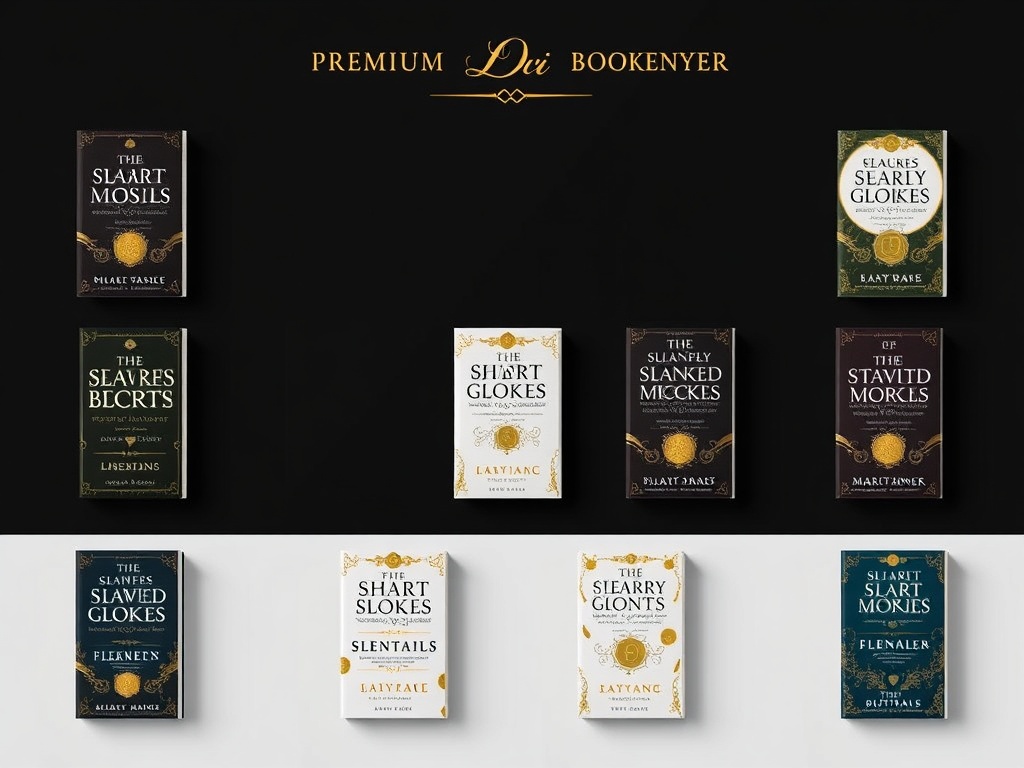
Design the Cover
Use Canva for fast cover concepts and typography testing. Use AI image tools for symbolic cover concepts and visual mood direction. Then refine properly—don't rely on unedited AI artwork. The cover is one of your biggest sales levers.
Design the Inside of the Book
Create: title page, copyright page, table of contents, chapter opener pages, body text styles, pull quotes, diagrams, checklists, summary boxes. Use Atticus, Vellum, Reedsy Studio, Adobe InDesign, or Canva depending on your design needs.
Format for Ebook & Print
For Kindle: Use EPUB format, validate with Kindle Previewer. For paperback/hardcover: Use KDP-approved templates. For visual ebooks/workbooks: Use Canva or InDesign. Follow platform guidelines precisely.
Phase 6: Editing & Publishing (Steps 14-17)
Run 3 AI-Assisted Editing Passes
Pass 1: Structural (what's repetitive, missing, out of order, weak?). Pass 2: Line edit (make clearer, tighter, more powerful, remove fluff). Pass 3: Proofread (spelling, punctuation, formatting consistency, tone consistency).
Write the Blurb & Sales Copy
Ask ChatGPT for: 10 blurb versions, premium blurb, direct-response blurb, emotional blurb, website copy, author bio, launch emails, ad copy, social posts. Use Canva for promo graphics and quote cards.
Publish Using the Right Platform
For self-publishing: Amazon KDP is the strongest platform. Follow KDP's official guidance on ebook formatting, paperback templates, and file support. Use Kindle Previewer to validate before publishing.
Build the Book Ecosystem
Use AI to create: workbook companion, landing page, downloadable checklist, premium edition, course companion, private community offer, email funnel, launch content. Turn your book into a complete business asset.

Complete Software Stacks
Choose the stack that matches your needs, budget, and desired output quality.
Low-Friction Path
Best for: Fast execution with minimal learning curve. Great for first-time authors.
- ChatGPT — Ideation, writing, rewriting, blurbs
- Canva — Cover and visuals
- Reedsy Studio — Writing + formatting
- Amazon KDP — Publishing
All-in-One Speed Stack
Best for: Balance of speed, quality, and control. The strongest "speed + quality" setup.
- ChatGPT — Writing and ideation
- Atticus — Manuscript + formatting
- Canva — Cover and visuals
- Amazon KDP — Publishing
Elite Professional Setup
Best for: Maximum polish and premium positioning. Creates the most elite-looking books.
- ChatGPT — Writing and ideation
- Adobe InDesign — Advanced layout control
- Vellum — Multi-format ebook output
- Canva — Cover and graphics
- Amazon KDP — Publishing
The 21-Step Exact Workflow
Follow this sequence in order for the most efficient path from idea to published book.
- 1Choose a profitable category — Pick a market where people already spend money
- 2Define one exact reader — Create precise reader profile
- 3Map pains, desires, and goals — Use AI to understand your target reader deeply
- 4Generate 20–50 book concepts — Create multiple options to choose from
- 5Choose the strongest promise — Select concept with clearest positioning
- 6Generate 50 title/subtitle options — Create multiple title variations
- 7Pick the strongest title — Choose for clarity, memorability, and perceived value
- 8Generate 5–10 outlines — Create multiple structural options
- 9Choose the strongest outline — Select best chapter flow and progression
- 10Expand chapters into subtopics and examples — Build detailed framework
- 11Choose your writing software — Select from Atticus, Reedsy, Word, or Vellum
- 12Draft section by section with AI — Build piece by piece, not whole book at once
- 13Manually rewrite every section — Tighten, refine, make premium-quality
- 14Add checklists, exercises, summaries, frameworks — Create premium value elements
- 15Design the cover — Create professional, high-impact book cover
- 16Design the inside pages — Create title page, TOC, chapter openers, visual hierarchy
- 17Format for EPUB, PDF, Kindle, and print — Create all publishing formats
- 18Run structural, line, and proofreading passes — Edit thoroughly with AI assistance
- 19Write the blurb and launch copy — Create compelling sales copy
- 20Publish through KDP or your chosen platform — Launch your book
- 21Build workbook, landing page, and ecosystem — Create product ecosystem around your book
This is not a race. Each step builds on the previous one. Speed matters less than quality. The books that succeed are the ones where the author invested time to understand their market, refine their message, and polish their output. AI gives you efficiency. Discipline gives you excellence.
Turn Your Knowledge Into a Commercial Asset
Books are one of the most powerful ways to establish authority, generate income, build an audience, and create a lasting business asset. This system is designed for founders, entrepreneurs, and experts who want to create best-selling books with strategic intent and professional polish.
Explore Kahn Schools Education